Data protection for nonprofits
SaaS backups for Google Workspace & Microsoft 365
Your mission runs on email, files, and calendars in the cloud. Independent backups mean you can recover from ransomware, accidental deletes, and bad actors without paying ransom or losing donor trust.
- Free for eligible partners as part of our nonprofit IT support.
- Automated, ongoing protection so backups do not depend on someone remembering to export data.
- Built for continuity so you can restore what you need and get back to work faster after an incident.
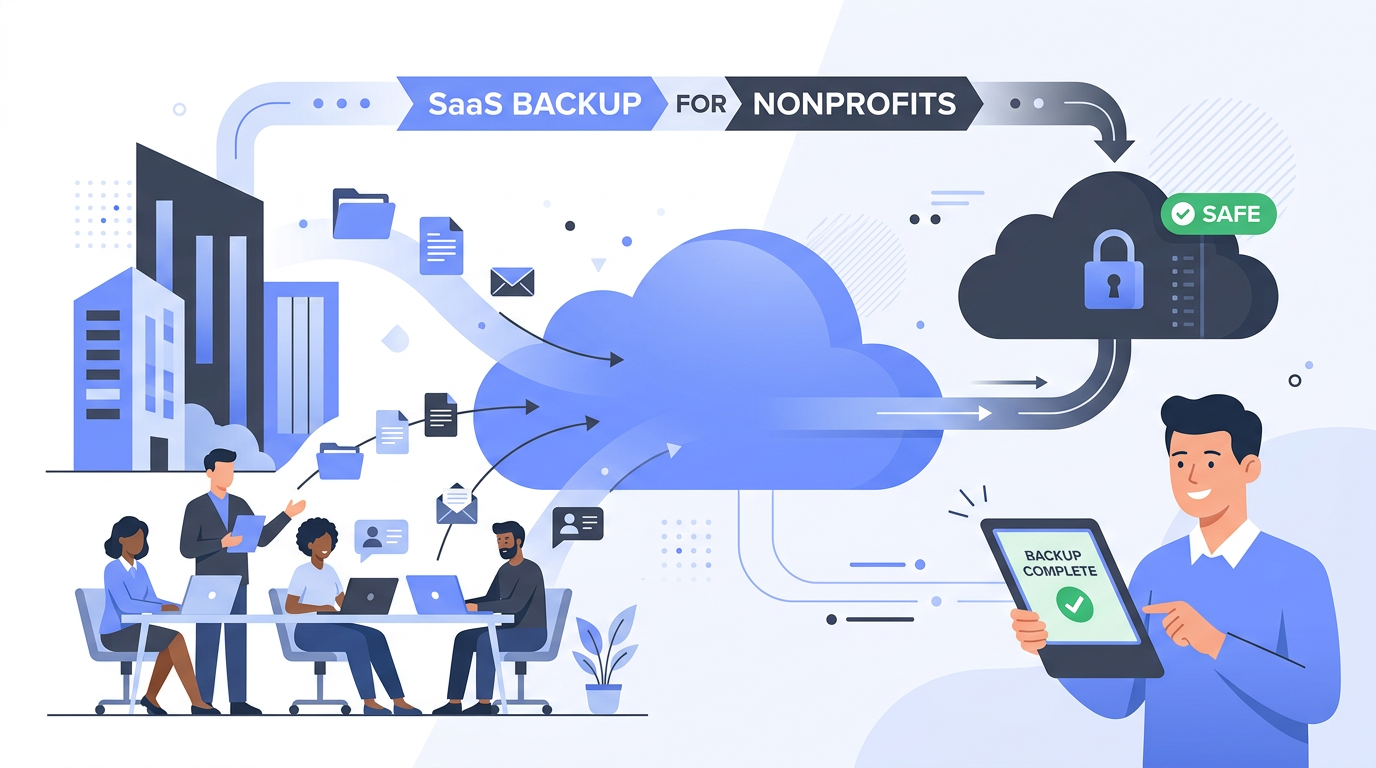
SaaS backup keeps a separate copy of your cloud data, so "it's in Microsoft or Google" is not your only safety net.
Why teams add SaaS backup
Shared responsibility
Providers secure the platform; your org is still responsible for your content, retention, and recovery scenarios.
Ransomware & account risk
Encrypted or mass-deleted cloud data can spread fast. Offline-style recovery from backup limits downtime and panic.
Honest mistakes
Someone deletes the wrong folder or mailbox. Version history helps sometimes, but not always, and not forever.
Compliance posture
Retention and privacy expectations get easier when you can prove restore points and controlled recovery.
What we back up for nonprofit partners
We back up the cloud services your nonprofit uses every day.
Microsoft 365
-
Exchange Online
User, shared, archive, and resource mailboxes, including mail, attachments, and mailbox contacts and calendars.
-
OneDrive for Business
Files and folders in user OneDrive accounts, including folder structure and file metadata such as sharing and modified dates.
-
SharePoint Online
Document libraries and lists on team, communication, and personal sites.
-
Microsoft Teams
Team and channel content, including channel posts, channel files, wikis, and related notebooks stored with Teams.
Google Workspace
-
Gmail
Mailboxes with messages, labels, label structure, and attachments.
-
Google Drive
My Drive and shared drives, including files, folders, and metadata for Google-hosted documents.
-
Google Contacts
Contact lists and address book entries used across your domain.
-
Google Calendar
Calendars and events for backed-up users.
Restores can target individual mailboxes, files, folders, contacts, or calendar items when needed. We tune retention and schedules to your tenant during setup.
What “in the cloud” does and does not guarantee
Google Workspace and Microsoft 365 are highly available: your data is replicated across their infrastructure. That is not the same as an independent backup you control for legal hold, clean recovery after malware, or restoring data an attacker touched.
Most SaaS follows a shared responsibility model: the vendor keeps the service running; customers protect their own mailboxes, documents, and settings from deletion, corruption, and credential attacks. A dedicated backup closes that gap.
When nonprofits feel the pain
- Ransomware locks or scrambles files; recovery without clean backups may mean paying, rebuilding, or losing history.
- Departing staff or compromised accounts can remove or exfiltrate data before you notice.
- Bulk deletes & sync accidents propagate quickly across shared drives and synced devices.
- Limited undo windows. Native recovery tools help for a time, but are not a substitute for long-term, purpose-built backup.
What you get with Good Heart Tech
Backups are part of how we help eligible nonprofits stay resilient: automated runs, encryption-minded storage, and guidance when you need to restore.
Faster recovery
Restore mail, files, or other protected content after ransomware, mistakes, or malicious activity so programs and fundraising do not stall.
Security-minded storage
Backups live in dedicated backup infrastructure, not just another folder staff can drag to the trash by accident.
Automated schedules
Regular protection for Google Workspace and Microsoft 365 workloads so protection keeps pace as your team grows.
Compliance & donor trust
Donors and regulators expect reasonable care with personal data. Independent backups support retention, audit response, and clean recovery after incidents without leaning on overstretched staff to piece history together by hand.
Requirements vary by sector and region (for example GDPR-style expectations or healthcare-related controls). We help you align backup practices with how your nonprofit actually operates. See also our article on SaaS backups and nonprofit IT partnership overview.
Eligible nonprofit partners receive this at no charge
SaaS backup is part of our commitment to nonprofits: strong baselines without adding another line item. Tell us about your organization and what you run today. We will help you plan what to protect first.